
RouteWorker
A GUI for the Windows routing table.
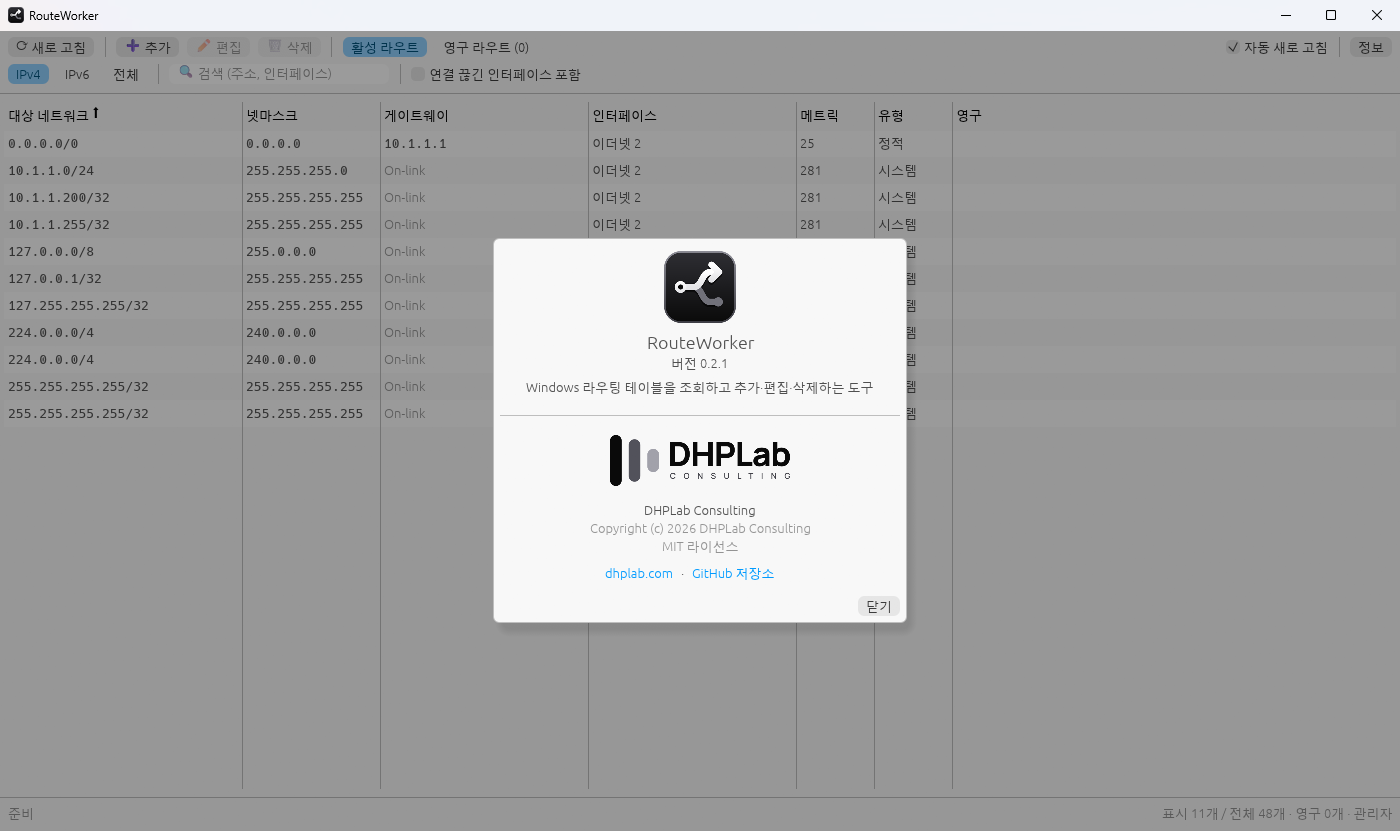
Windows · Rust and egui · MIT license · v0.2.1
What it is
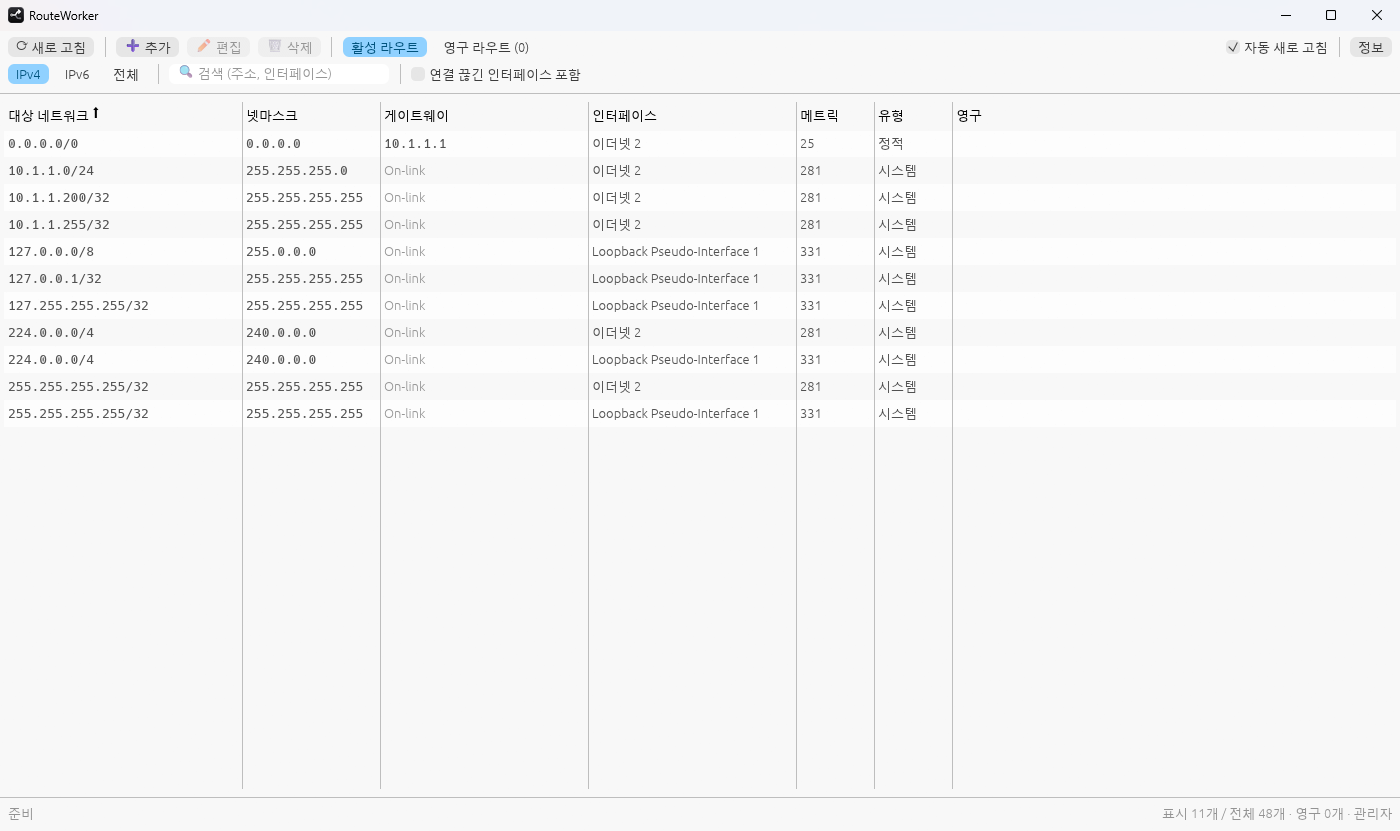
RouteWorker shows the Windows routing table in a window and lets you add, edit and delete routes. It does not run route.exe. It calls the Windows IP Helper API directly, so it works the same whatever the system language is.
Features
- View the IPv4 and IPv6 routing tables, sort by column and filter.
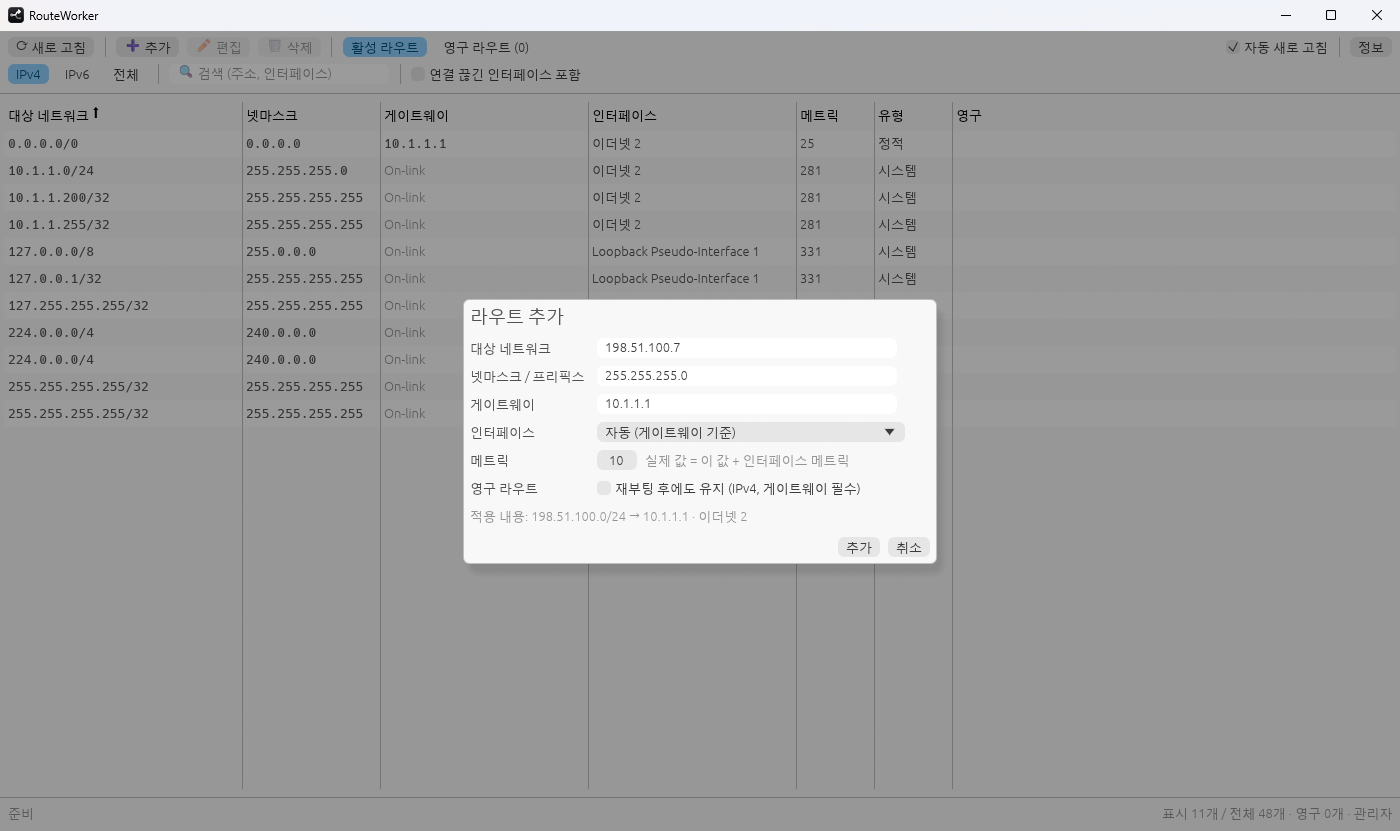
- Add, edit and delete routes. The interface that matches the gateway is selected for you, host bits in the destination are cleaned up, and a preview shows what will be applied.
- Select several routes (click, Ctrl+click, Shift+click, Ctrl+A, Esc) and delete them together with Delete.
- Persistent routes, kept in the same registry store as
route -p(IPv4 routes with a gateway). Implemented, but not yet verified across a reboot. - Copy the selected routes as
routecommands. - Routes of disconnected interfaces are hidden by default, as in
route print. A checkbox shows them. - The metric in the table is the route metric plus the interface metric, as in
route print. The add and edit forms take the route metric. - Adding and editing has been checked with IPv4 routes. IPv6 routes are supported in the code but not yet verified.
Permissions
Viewing works with normal user rights. Changing routes needs administrator rights: the app's “관리자 권한으로 다시 시작” (Restart as administrator) button restarts it through UAC.
Download
The v0.2.1 release has RouteWorker.exe on its own and a zip with the executable, the license and the README. There is no installer. The executable is not code-signed, so Windows may show a warning when you start it.
Build from source
Rust stable with the MSVC toolchain (edition 2024).
git clone https://github.com/donghyunpark-dhplab/ROUTEWorker.git
cd ROUTEWorker
cargo build --release    # target\release\routeworker.exe
Support
For questions or bug reports, open an issue on GitHub or send an email.
MIT License. Copyright (c) 2026 DHPLab Consulting.